
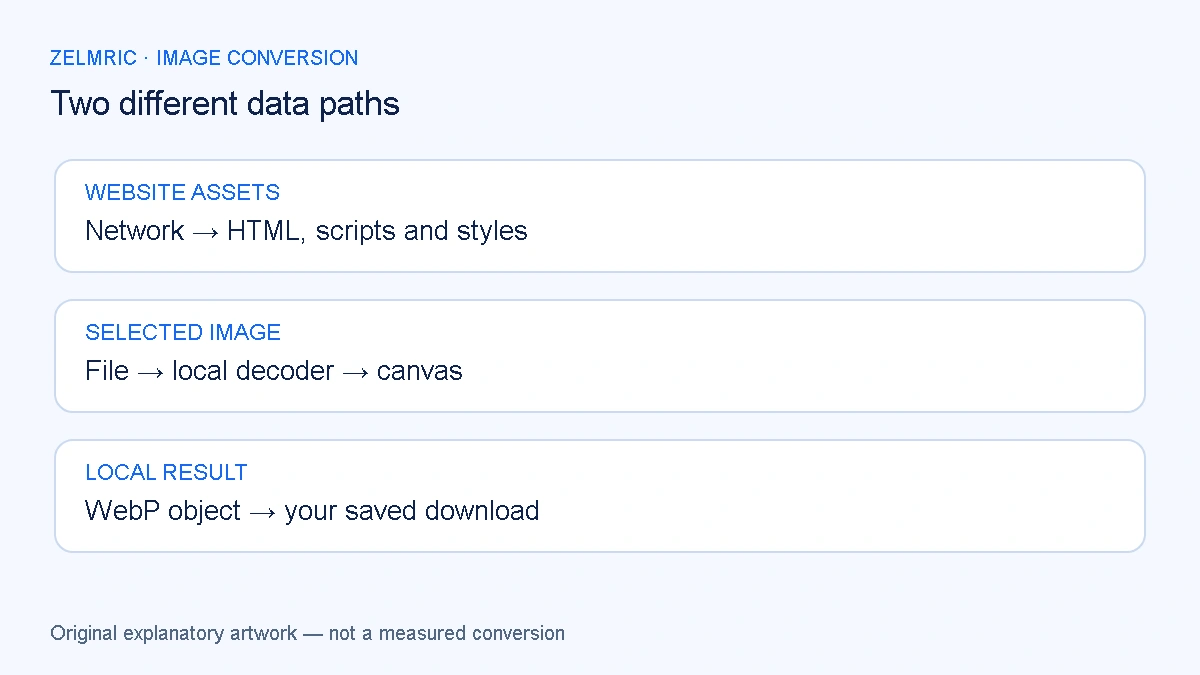
Opening a converter can request HTML, styles, scripts and an icon before you select a photograph. Those requests load the application. An upload would be a different event: sending the selected file or its image content to a service for processing. The two should not be confused when deciding what a privacy claim means.
In Zelmric, image decoding and WebP encoding take place on your device. The application is still a website, and it may load assets or check for updates online. Understanding that separation is more useful than treating either a network indicator or the phrase “browser-based” as a complete privacy assessment.
Follow one selected file through the application
Choosing or dropping a file gives the page access to that selected input. Zelmric checks the file, applies its format and size rules, and uses the browser’s image decoder. Accepted image data is drawn onto a canvas and encoded as a new WebP. Downloads are created from the resulting local file objects.
The converter does not provide a remote-image URL import or an image-upload processing endpoint. The original on your device is not overwritten. The converter’s format notes identify the supported source extensions and limits; they do not authorise the page to browse every file in a folder or preserve your whole working collection.
A worker is another execution context, not a server
When supported, a Web Worker and OffscreenCanvas perform the conversion work away from the page’s main execution context. Messages between the page and that worker are local browser communication, not an upload to a cloud processor. The application uses a fallback when those facilities are unavailable or unsuitable.
Workers are not a privacy guarantee on their own. Other applications can use network APIs inside workers, and moving work to another context does not prove what the code does. MDN’s worker documentation explains the execution model. Zelmric’s local-processing claim comes from its actual implementation, not the mere presence of a worker file.
Distinguish working data from saved downloads
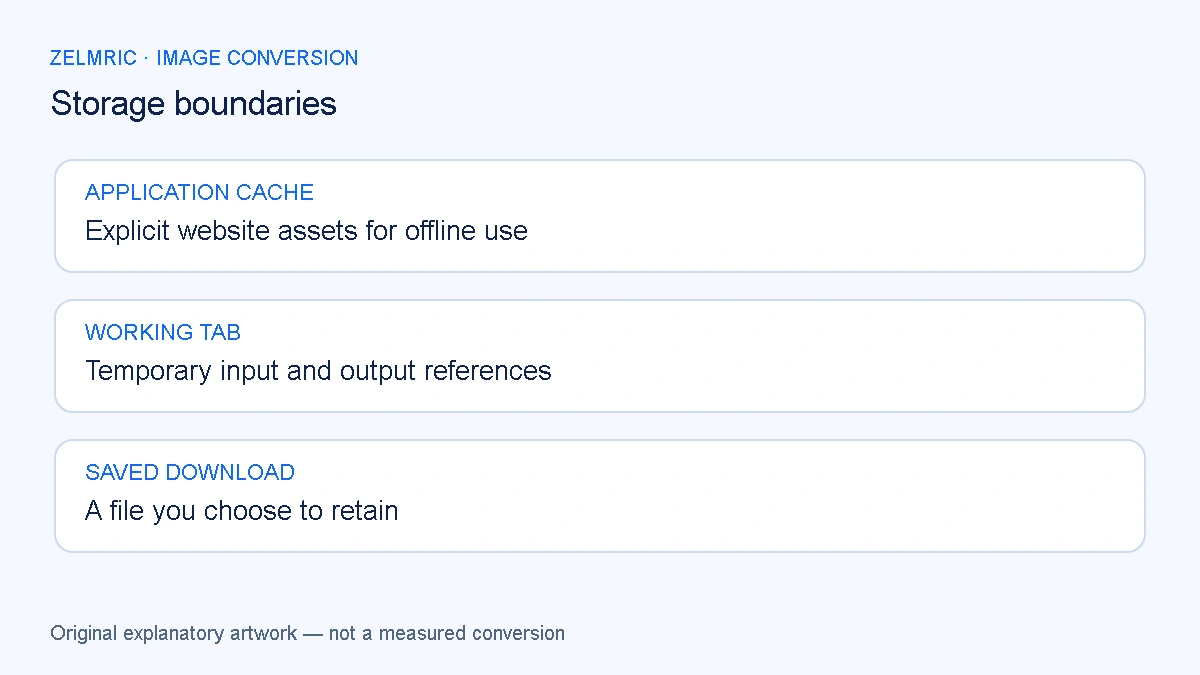
The tab holds references to selected files, decoded images and output objects while the task is active. Temporary object URLs let the browser show a thumbnail or offer a download. Clearing the list releases the application’s working references and revokes its result URLs; it does not erase a file you already saved through the download.
Browser storage management can involve memory or backing storage at the browser’s discretion. Do not interpret local processing as a forensic-erasure promise or a guarantee that data can never reach disk on your device. Keep downloaded results in a location you control and follow your device’s own handling rules for sensitive material.
What the offline cache is for
The converter’s Service Worker caches an explicit set of application assets, such as its shell, scripts, stylesheet, manifest and required branding images. It does not place your selected images or conversion results in that offline cache. The cached application is what can reopen; your unfinished queue is not a saved project.
The scope is limited to the converter. Other Zelmric tools and the supporting guides are not automatically made available offline by that registration. Service Worker caching and ordinary HTTP caching are also separate mechanisms; web.dev’s caching explanation describes that distinction.
Set realistic expectations before disconnecting
Visit while connected and wait for the offline-ready message before relying on offline use. Reopen the exact supported converter URL. Installation through a browser’s app interface is optional and varies by browser; it is not a requirement to perform the local image conversion already loaded in a tab.
A browser can evict cached resources, and an older cached copy may remain until the update lifecycle completes. Local processing does not guarantee that every future visit will open offline or immediately show the latest page copy. Save your outputs before leaving rather than depending on cache retention as a recovery method.
Verify the claim at the right boundary
For a practical check, use a non-sensitive test image and observe the browser’s network activity when selecting and converting it. Separate first-load asset requests, update checks and navigation from requests that would carry image data. An absence of visible activity during one test supports that observation, not every possible future version or browser extension.
Do not share network captures casually: depending on the site and session, they can include private request information. Local regression tests for this converter have checked that the exercised conversion paths make no image-upload request. That evidence is narrower and more defensible than claiming all tools with a similar interface are private.
Local conversion does not remove every other risk
An extension, a compromised device or a later website change is outside a promise about the current conversion path. Metadata handling is another separate question. Tested JPEG fixtures lost their EXIF/GPS information, but colour-profile information remained in output; do not use this tool as a universal metadata scrubber.
Untrusted SVG also needs validation even when processing is local. The safe SVG export guide explains why active features and external references are rejected. Avoid bypassing those checks to make a file appear to work.
Ask separate questions about processing and retention
“Was my image uploaded?” and “Will my result still be here tomorrow?” need separate answers. The conversion path determines the first; your saved download determines the second. The batch handoff checklist covers keeping completed files, while the application cache only provides the converter’s explicitly cached assets.
The useful privacy question is a specific one: where does this application send this input during this task? For Zelmric’s conversion workflow, the answer is local processing without an image upload. Keep that claim separate from offline availability, downloaded-file retention and the wider security of the device.
Inspect a non-sensitive conversion
Open your browser’s Network panel before selecting a non-sensitive image, then distinguish asset requests from any request carrying image content.
Open the local converter