
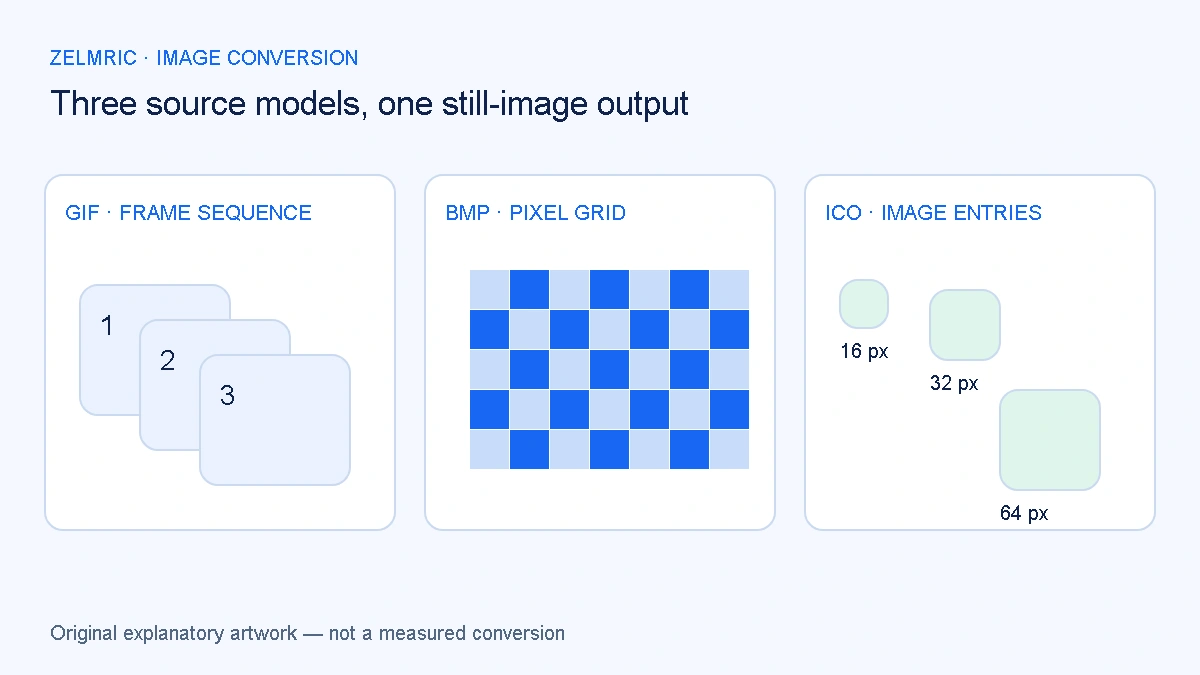
A file picker labels GIF, BMP and ICO as images, but that shared label hides three different questions. Did a sequence become one still? Did a bitmap decode correctly? Which image from an icon container became the output? Checking only that a download ends in .webp misses the information most likely to matter.
Begin with the intended use. A static thumbnail may be a suitable replacement for a decorative GIF, while an instructional animation needs its changing frames. A small icon can look correct at its original size and unsuitable as a large illustration. The source extension alone cannot tell you whether the resulting still meets the job.
Case one: a GIF sequence becomes a still image
Zelmric uses a still-image canvas workflow. An animated GIF does not remain animated after conversion here. The output is a static image; the sequence's timing, looping and transitions are not carried through. Do not offer that download as a functional replacement where movement communicates a necessary step.
The interface does not provide a frame picker or a guarantee that you can choose a specific frame. Inspect the actual result instead of promising that it always contains a particular moment. If the useful information is absent, select an appropriate still in a suitable editing tool or keep the animation.
WebP itself can support animation. The limitation is this converter's still-image process, not a statement that the format cannot move. Google's gif2webp documentation describes a separate animation conversion tool. Choosing such a workflow requires checking motion and timing as well as file size.
Case two: BMP supplies decoded bitmap pixels
A BMP is not automatically a single universal uncompressed layout. Bitmap headers and supported encodings vary; Microsoft's bitmap storage documentation describes several header structures. A browser decoder may accept familiar inputs while rejecting a variant from an older or specialised application.
The converter's ordinary BMP fixture verifies one supported case. It does not establish that every bit depth, compression option or legacy producer works. When a file fails, first check whether the source opens correctly elsewhere. A damaged input and an unsupported decoder variant need different remedies.
A large bitmap must still meet the converter's input and pixel limits. Choosing a smaller output does not make an oversized input harmless: decoding the original comes before drawing the resized result. Obtain a manageable export upstream if the file exceeds the accepted limits, and keep that operation separate from the final WebP quality decision.
Case three: ICO contains possible image representations
An ICO can hold more than one image representation, often for different display sizes. That is useful for an icon system, but a browser-decoded canvas export produces one raster image. The WebP download is not a new multi-size icon package.
Zelmric does not expose the embedded entries or provide a control to choose among them. Do not assume the browser necessarily selected the largest or the most appropriate entry. Check the decoded and output dimensions shown for the actual file, then inspect the image at its intended display size.
If you need a particular icon size, use a trusted authoring or extraction tool to obtain that representation before conversion. Enlarging a small decoded entry cannot reveal the detail of a different, larger entry hidden in the container. Likewise, a normal WebP image is not proof of suitability for every favicon or operating-system icon requirement.
Judge edges and dimensions separately
Some sources include transparent areas. A successful decode can still leave you with an edge that looks wrong against the final background. Inspect the download on light and dark surfaces when the image will be used that way. The transparency checklist explains partly transparent boundaries and why a checkerboard alone is not enough.
Record the output dimensions rather than judging them from a fitted thumbnail. If resizing is necessary, preserve the ratio and choose a useful target before lowering quality. Our dimension planning guide separates proportional downscaling from cropping or stretching, which this converter does not offer.
Distinguish failure from an unsuitable success
A corrupt or unsupported file should produce a per-file error. A file that decodes and produces a valid WebP may still be unsuitable: motion may be missing, the selected icon may be too small, or a bitmap may have an appearance problem. These are reasons to reject a result even when the format validation passes.
The converter checks the WebP MIME type and RIFF/WEBP signature. Those checks establish the intended output format; they do not certify that every meaning or capability of the source survived. Your acceptance check must cover the information the image is supposed to convey.
Keep unlike sources distinguishable in a batch
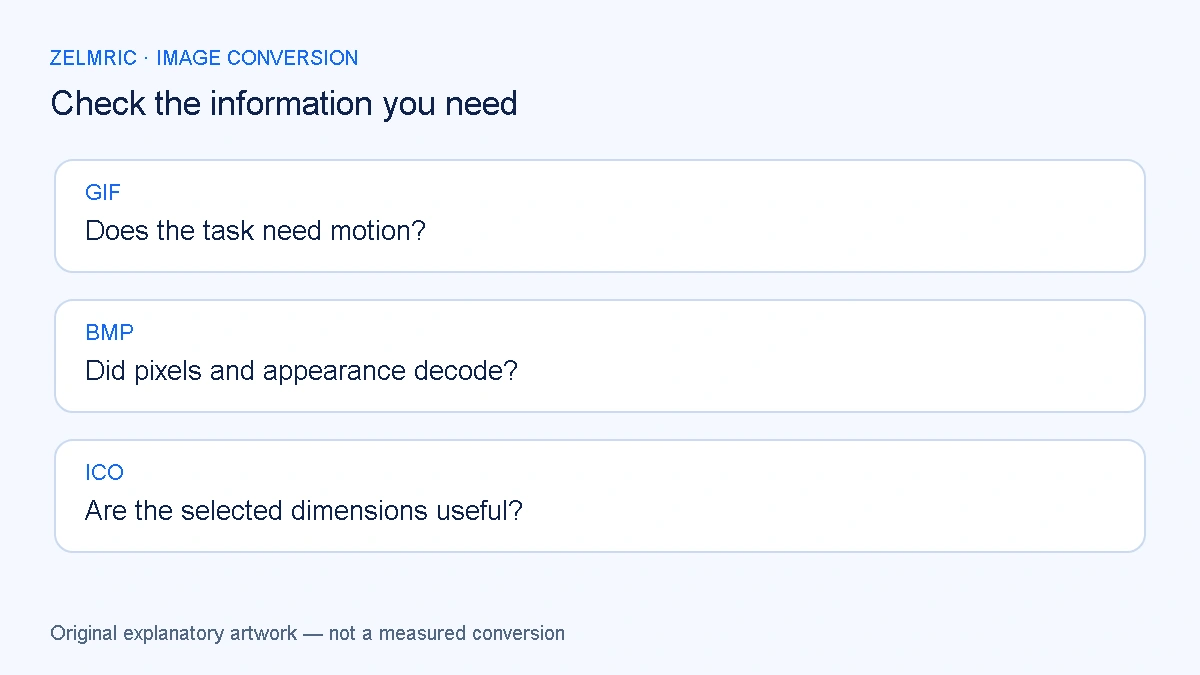
A mixed batch uses shared quality and resize settings, but sharing settings does not give every source the same capabilities. Review GIFs for lost motion, BMPs for correct decoding and icons for selected dimensions. A ZIP groups completed outputs; it does not resolve these format-specific questions.
Use the review-first batch workflow to resolve exceptions before handoff. The WebP Converter reports each result independently, so inspect those statuses instead of treating the archive as evidence that all selected files were appropriate.
Accept the still only for the role it can fill. A GIF that explains a changing sequence still needs an animation workflow; an ICO whose decoded image is too small needs a suitable source representation; a BMP that does not decode needs another supported export. A successful WebP download does not resolve any of those source-specific limitations.
Inspect the selected representation
Review the still image and its dimensions before accepting it for your task.
Review a format conversion