
A receiving application refuses an AVIF that opens correctly on your own computer. Its upload instructions accept WebP. That is a concrete reason to try a conversion: you need a delivery file the destination can use. If the AVIF already works everywhere it needs to go, changing its extension through another encoding step may solve no problem at all.
Write down the constraint before opening a converter. Is it an accepted-file list, a particular viewer, a content workflow or a size limit? Compatibility, compression and preservation are different questions. A successful answer to one does not settle the other two.
Start with the receiving system
Check the actual destination's requirements rather than relying on a general statement that a format is modern or widely supported. A browser may display an image that an upload form rejects. A content management system may accept a file but create its own derivatives. A recipient may need an editable source rather than a finished delivery image.
Where possible, test a non-sensitive representative file in that destination. Confirm the image appears correctly after upload or import, not merely that the form accepts its name. If the destination explicitly requires a different format, a WebP export will not meet the requirement just because your browser can display it.
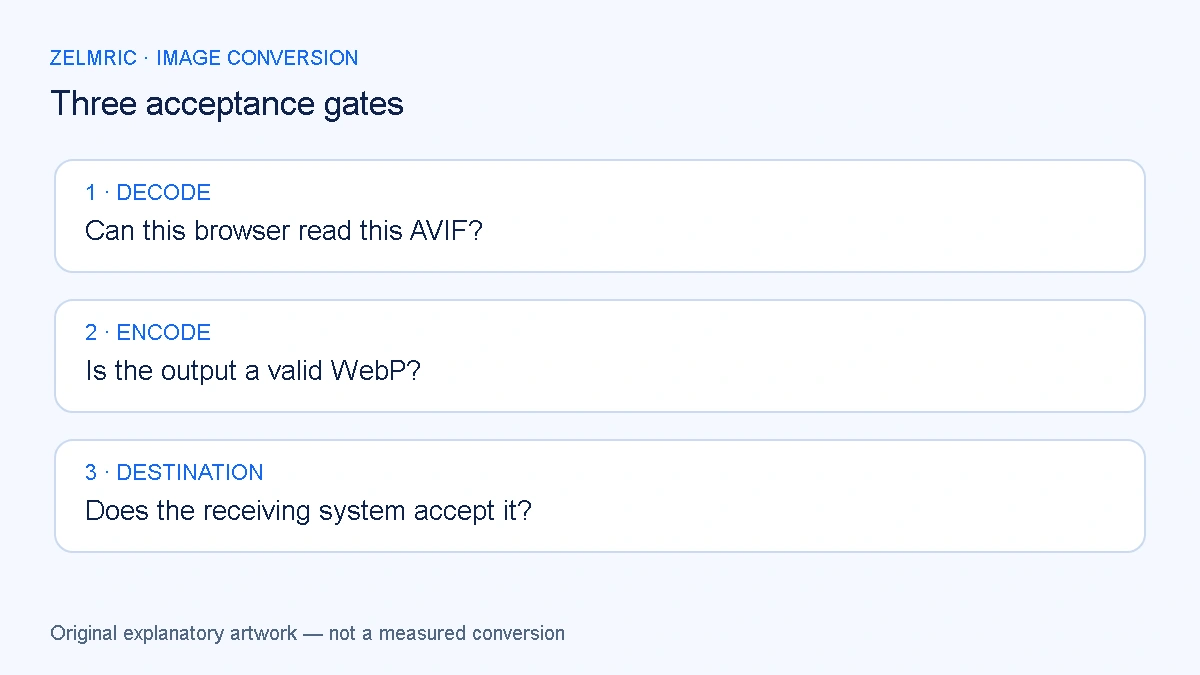
Pass three separate acceptance gates
First, the browser must decode the particular AVIF input. Second, it must encode a valid WebP from the decoded pixels. Third, the receiving system must accept and display that result. These are independent gates; passing the first is not evidence for the third.
The Zelmric WebP Converter relies on browser decoding for AVIF. A supported extension does not guarantee that every AVIF variant works in every browser. An error can therefore be a decoder limitation rather than a reason to rename the file. Renaming changes neither its encoded content nor the decoder required to read it.
This is another encode, not a container swap
The converter draws decoded image data to a canvas and asks the browser to create a new WebP. It does not copy the compressed AVIF bitstream into another container. The new quality request governs that new encoding step; it cannot recover information missing from the source.
Do not interpret quality 100 as a promise of lossless encoding or unchanged appearance. Inspect meaningful details after export. The source-history principle in our guide to re-encoding quality applies here too: keep an original and create delivery copies from it, rather than repeatedly converting one delivery file into another.
Compare bytes only after the result is usable
A WebP can be larger than its AVIF source. It can also be smaller under particular settings. Neither outcome can be predicted reliably from the two extensions alone. Image content, dimensions, prior encoding choices and the new encoder request all influence the result.
Record the actual source and output sizes with the dimensions held steady if you want to isolate a format-and-quality decision. If you also resize, describe that as a combined change. The troubleshooting steps for a WebP that is larger than its source help distinguish a size tradeoff from an error.
A larger delivery copy may still be justified when it is the accepted format. Conversely, a smaller output is not useful if text becomes unreadable or the recipient rejects it. Choose the constraints that matter to the job before treating the byte count as the deciding score.
Check features beyond an ordinary still photograph
The AVIF specification covers capabilities beyond a simple still image, including alpha and higher-bit-depth content. That does not mean this browser-canvas workflow preserves every source capability. Do not assume an HDR appearance, colour handling, metadata or motion survives because a preview appears.
Zelmric's tested AVIF fixture demonstrates a particular decode-and-convert case, not certification of every profile or device. For work where colour or dynamic range is critical, evaluate the downloaded result in the actual delivery environment and use an appropriate specialist workflow when preservation requirements exceed this tool's guarantees.
A short trial is enough to inform the decision
- Retain the AVIF unchanged and select a representative copy for conversion.
- Use original dimensions initially so resizing does not obscure the comparison.
- Inspect the downloaded WebP for dimensions, important detail, colour and any transparent edges.
- Record the sizes and verify the file in the receiving application.
If the trial fails at decoding, do not keep repeating the same request and assume persistence will add codec support. Try a browser known to handle that source or obtain a suitable export from the authoring application. If the source contains motion, read the still-image conversion limitations before choosing a replacement workflow.
Keep the trial small enough to review every output. A folder of technically valid files can conceal one image whose transparency or tonal appearance matters more than the rest. Resolve that exception before applying the same decision to the whole collection; the extension does not make unlike images interchangeable.
Keep the AVIF when there is no delivery problem to solve
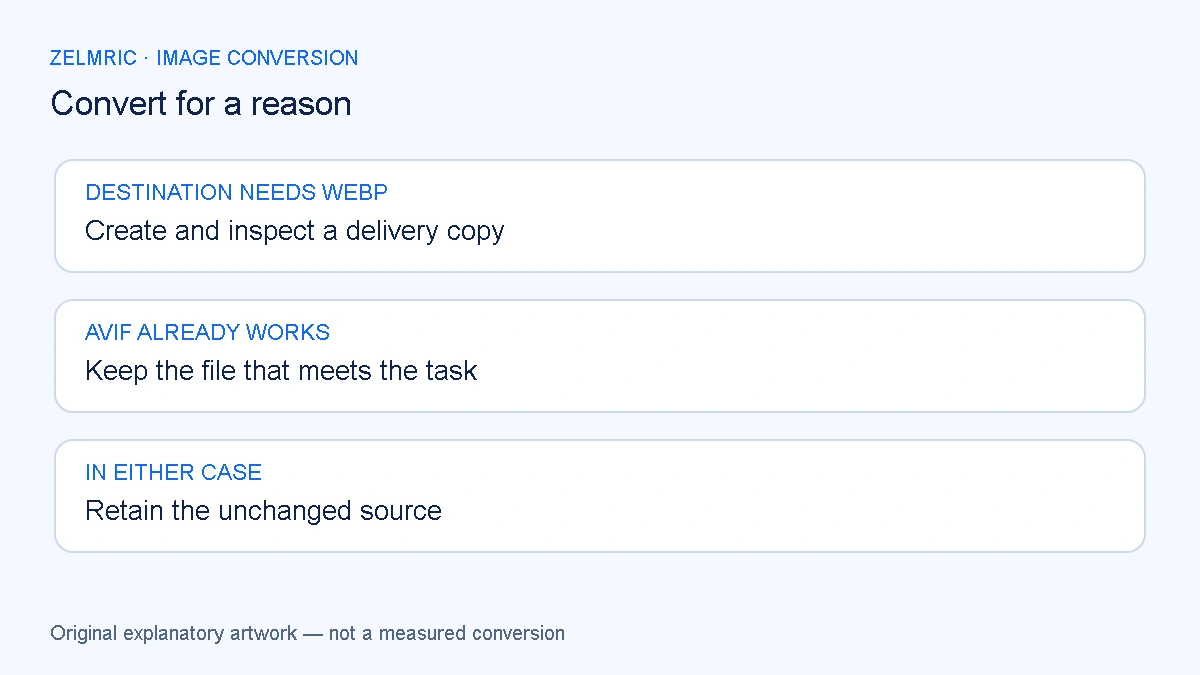
An AVIF that is accepted, visually appropriate and within the destination's size requirements needs no conversion merely to make its name match a preferred format. Keep it when the existing file already meets the task. Retain it alongside any WebP copy when a different recipient needs another format.
The decision record can be one sentence: this WebP exists because a named destination requires it, and the retained AVIF remains the source. That is a defensible handoff. It avoids turning a useful compatibility export into an unsupported verdict that one format should replace the other everywhere.
Test the destination requirement
Try a representative source and verify the result where it will actually be used.
Try a compatibility copy